
PRGRM Help & FAQ
FIRST TIME HERE?
Build your first session, step by step.
Start with a name. Add a structure. Make it yours.
THE GUIDES
From your first session to your next release.
Getting started
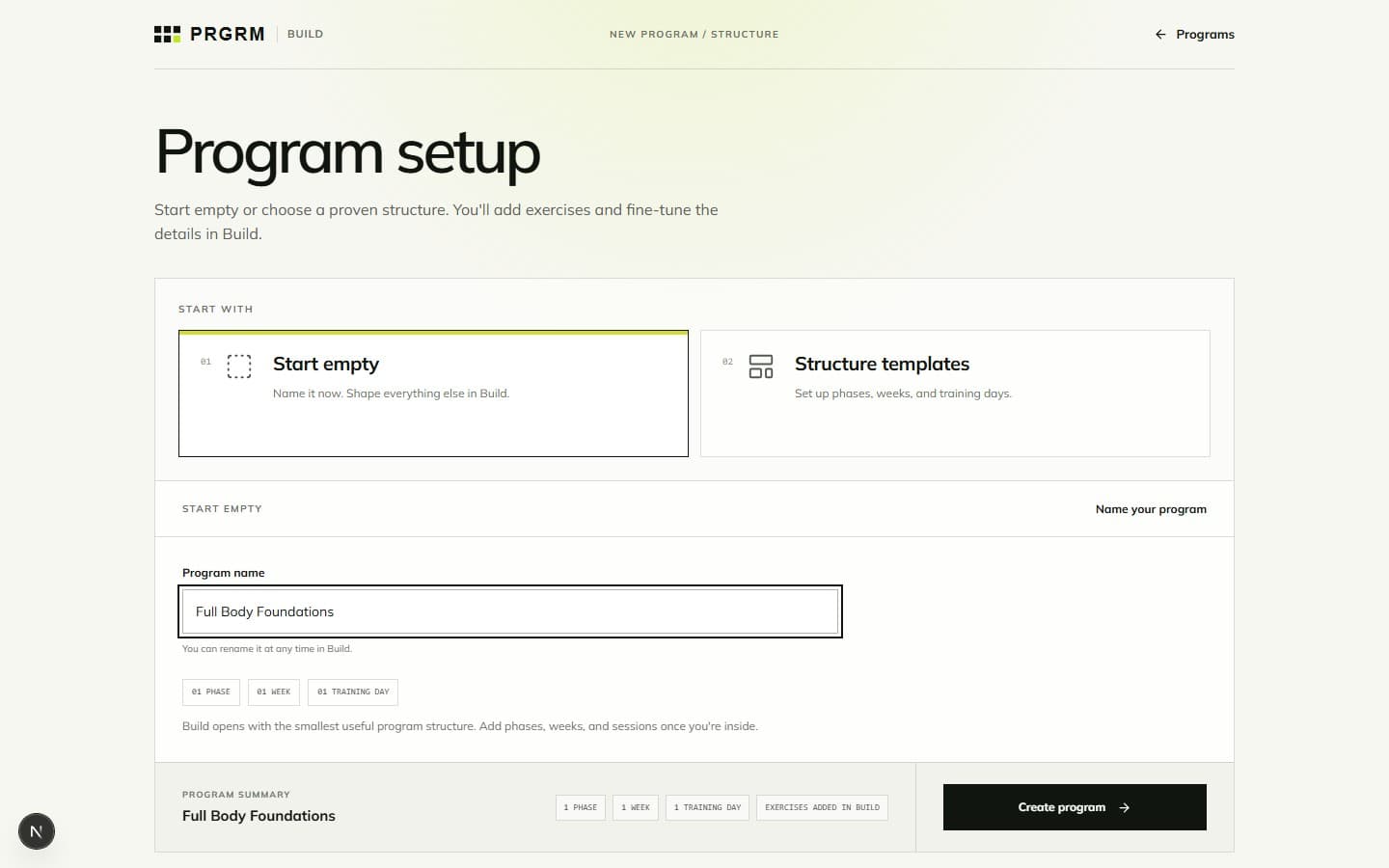
Building your program
 02
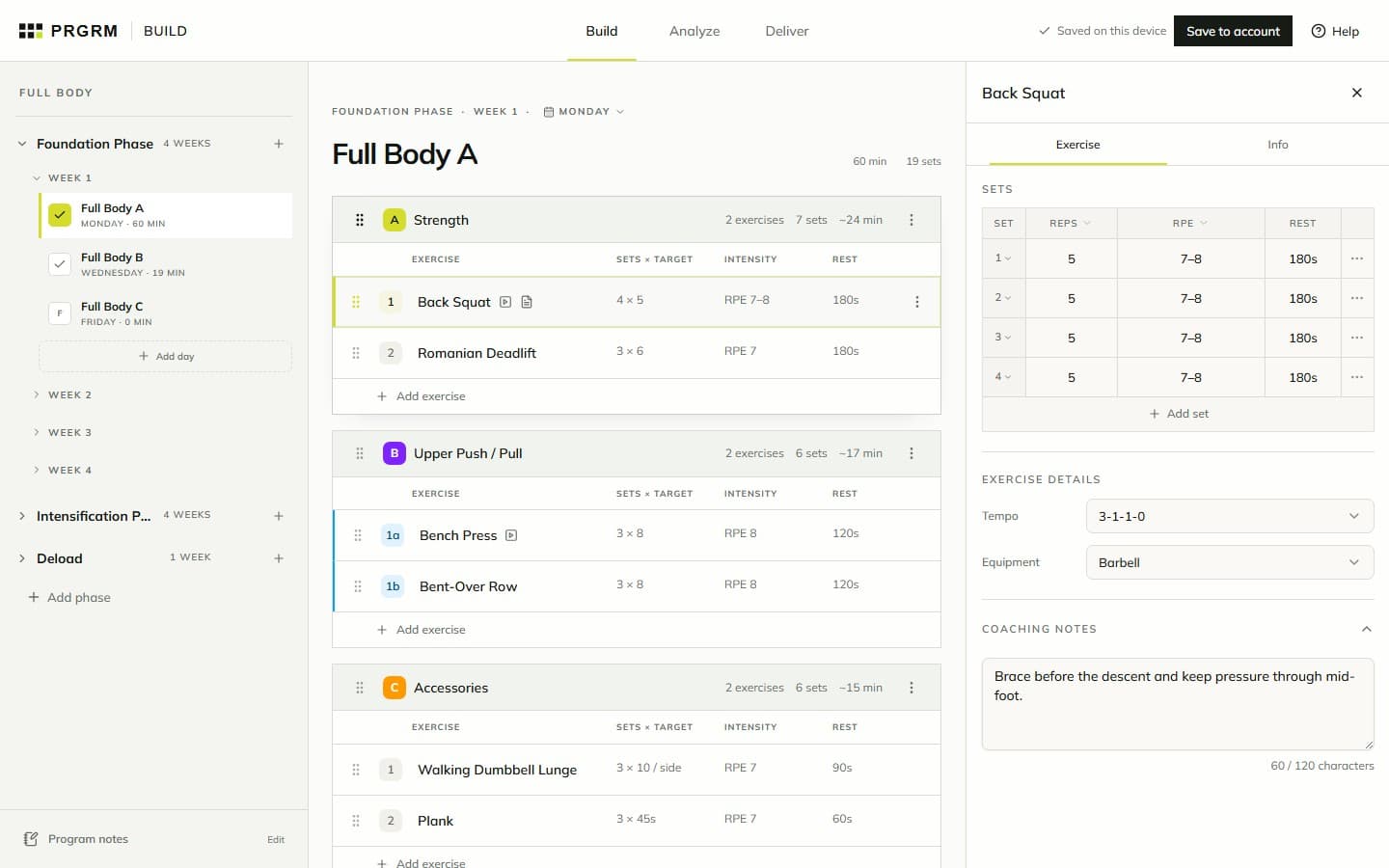
02Building your program · 5 min read
Add exercises and prescriptions
Find an exercise, set reps and intensity, and add the details that make a session usable.
 03
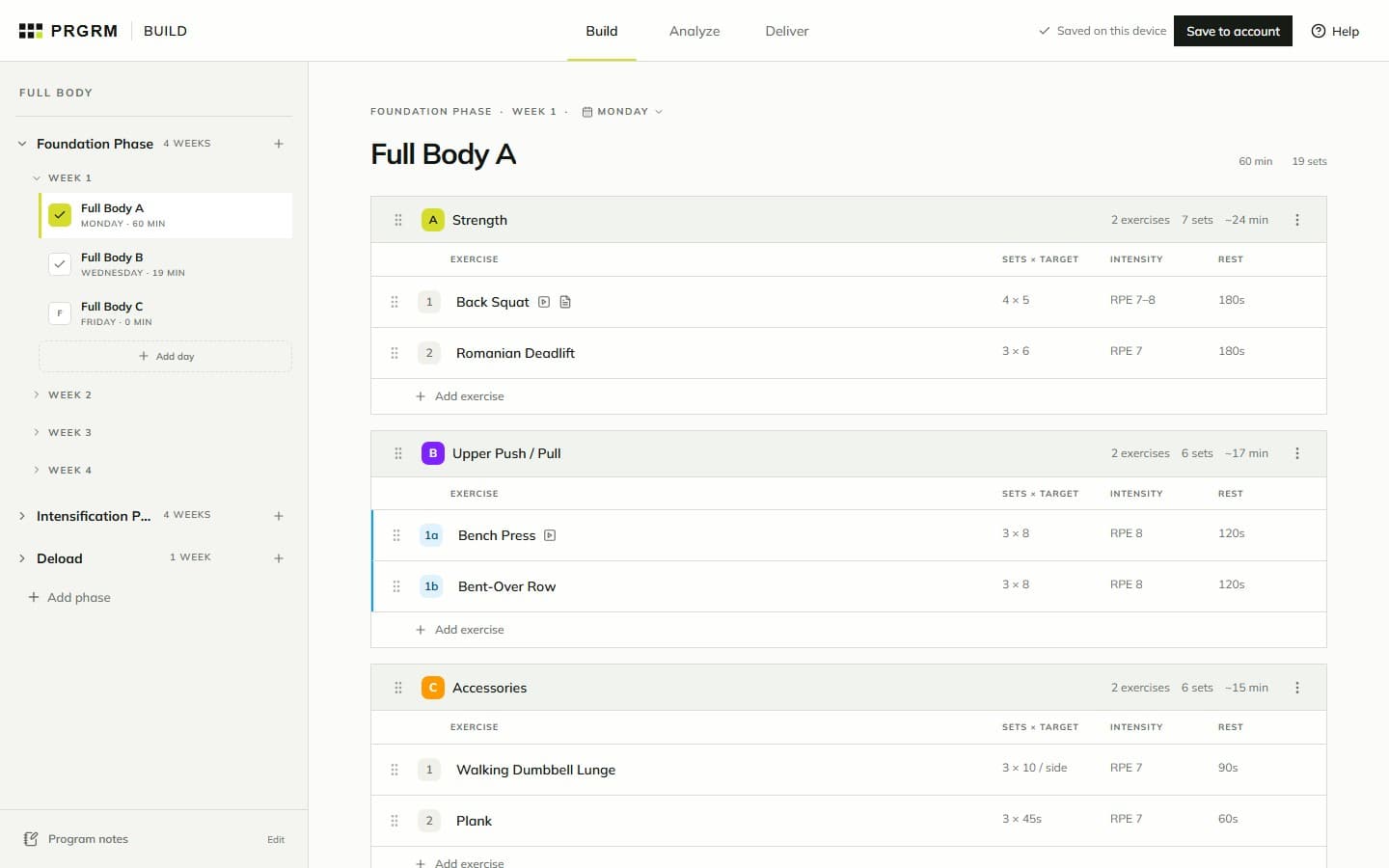
03Building your program · 4 min read
Organize phases, weeks, and days
Arrange training blocks, move sessions, and use Duplicate & progress to build the next weeks.
Saving your work
Review and delivery
 05
05Review and delivery · 4 min read
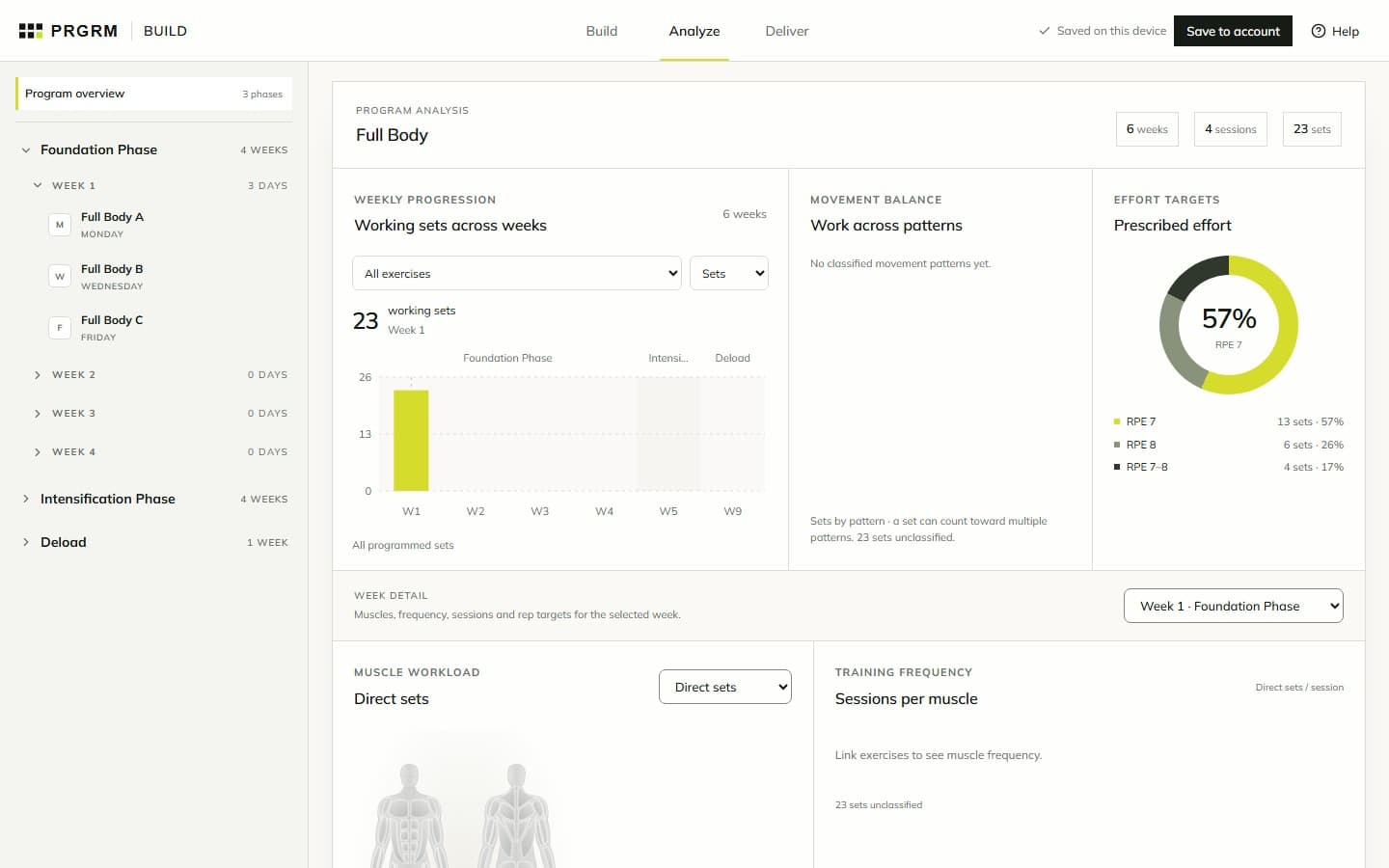
Review your program in Analyze
Review weekly progression, movement balance, muscle workload, and prescription checks.
 06
06Review and delivery · 5 min read
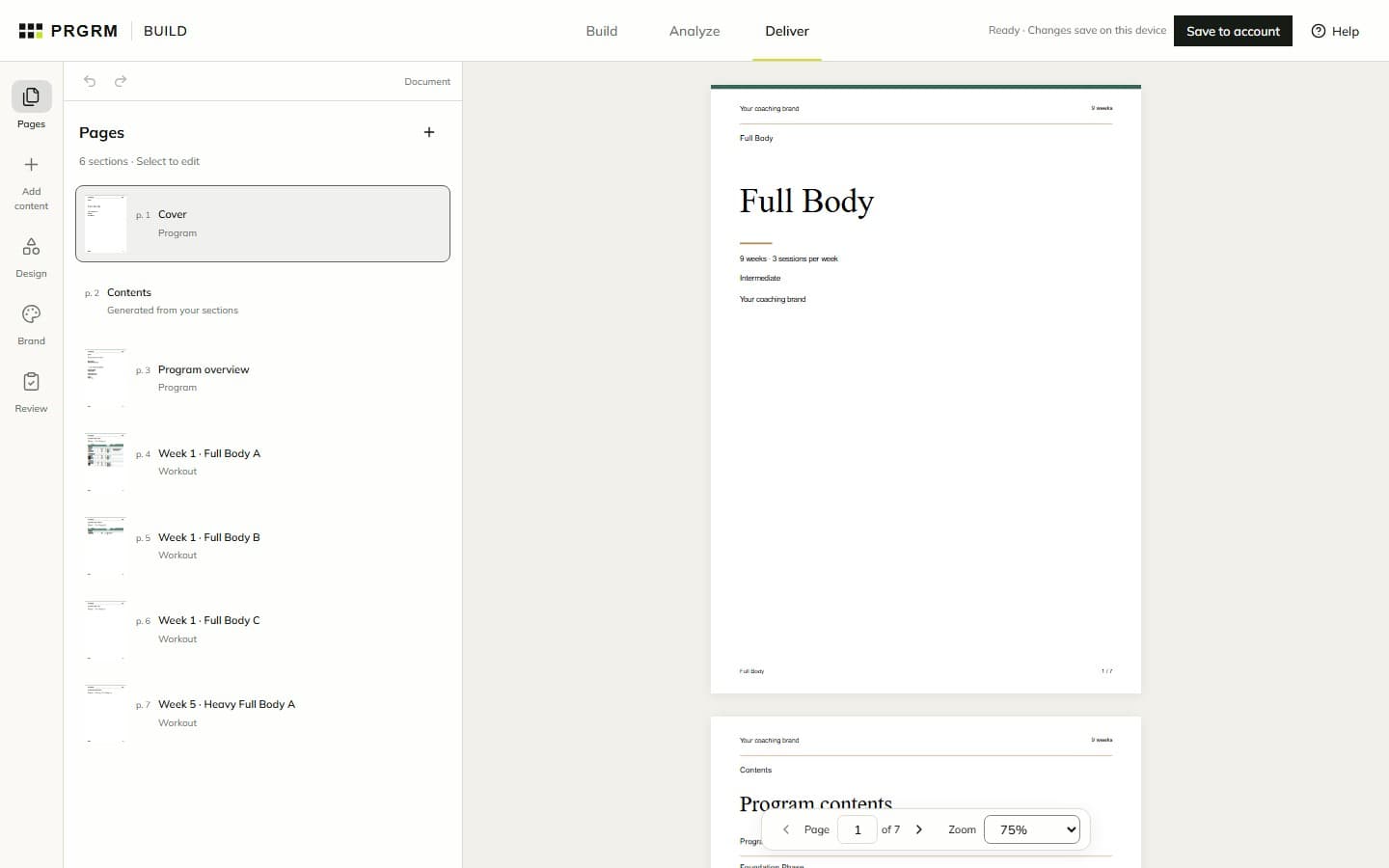
Design your program PDF
Use Pages, Add content, Design, and Brand to turn your workouts into a finished coaching document.
 07
07Review and delivery · 4 min read
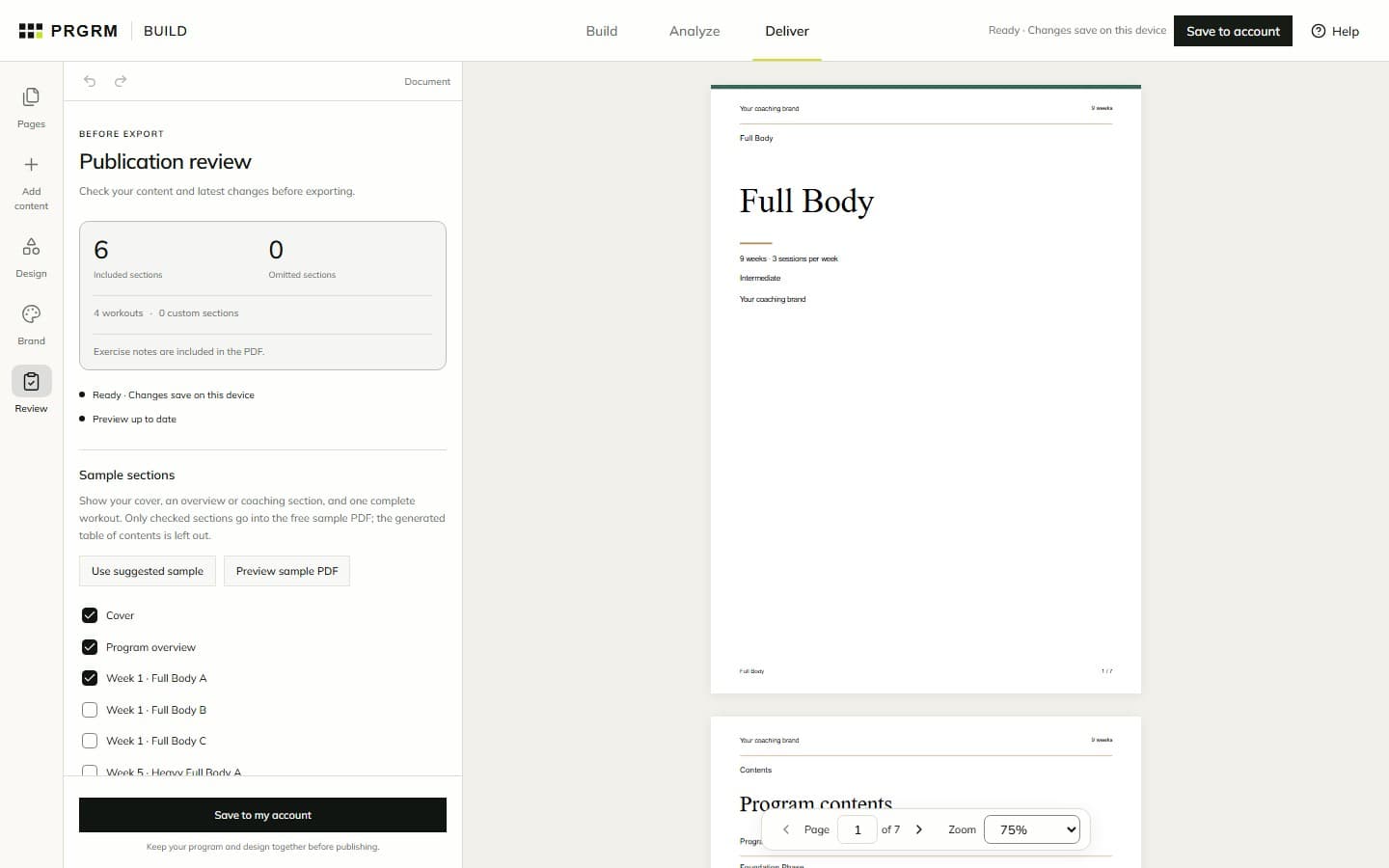
Review, export, and share
Check your document, preview a sample, and download your full PDF for free.
Publishing and marketplace
Training with PRGRM
GOOD TO KNOW
A few things worth knowing.
Do I need an account to start?
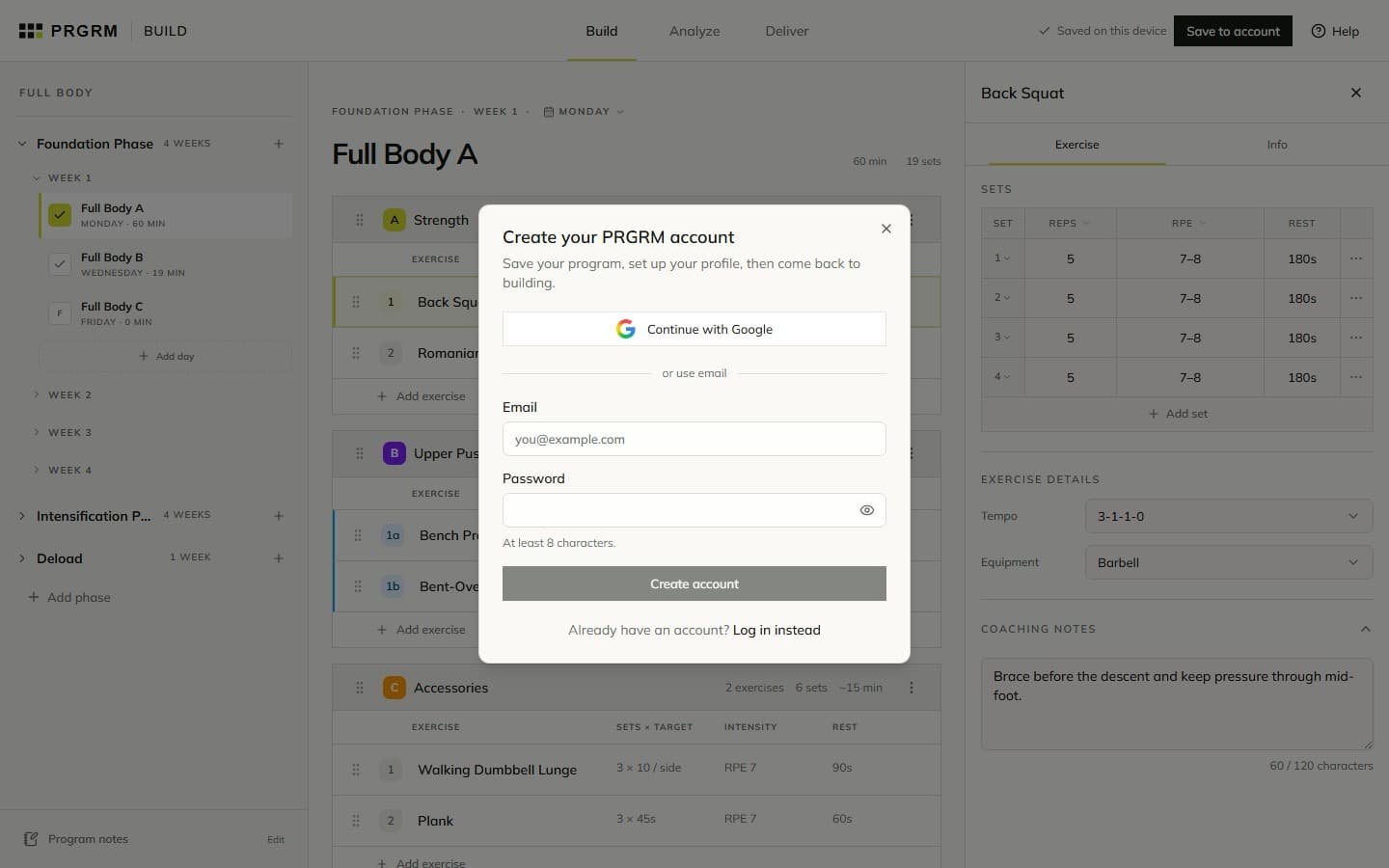
No. You can create and edit a program before signing in. Build keeps one recoverable draft in this browser. Choose Save to account when you want it saved to your account. Understand saving →
Is saving the same as publishing?
Saving keeps your work in your account. Build, Analyze, account saving, and full PDF downloads are free. Paid publishing covers hosted distribution and a publishing package through a separate checkout. Marketplace selling is optional and a listing needs review before it goes live. Understand publishing →
Where do I record completed workouts?
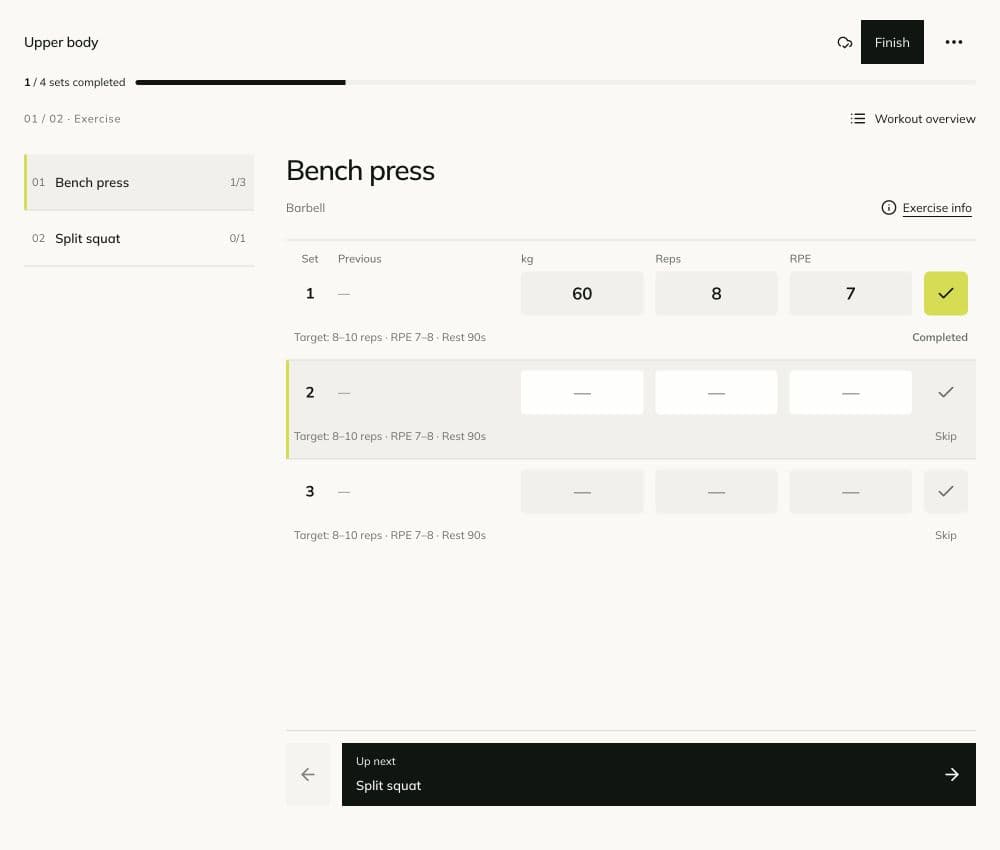
Use TRAIN to start a program, log actual results, and view your training history. Analyze in BUILD reviews the work you prescribed. Start training →
Do structure templates include exercises?
They include phases, weeks, and training days. You choose the exercises and prescriptions in Build. Explore setup →
Why does Analyze show empty weeks?
Creating a schedule does not fill every session with exercises. Empty weeks can have zero prescribed sets. Missing inputs and unlinked exercise data can also limit analysis; check the coverage message. Read the charts →
PUT IT INTO PRACTICE